 Loop Sort

Loop Sort Walkthrough – All Levels
Tap a truck. Match cubes on the loop.
Independent fan-made guides. Not affiliated with the game developer.
Browse levels
Recently updated
Game screens from Loop Sort
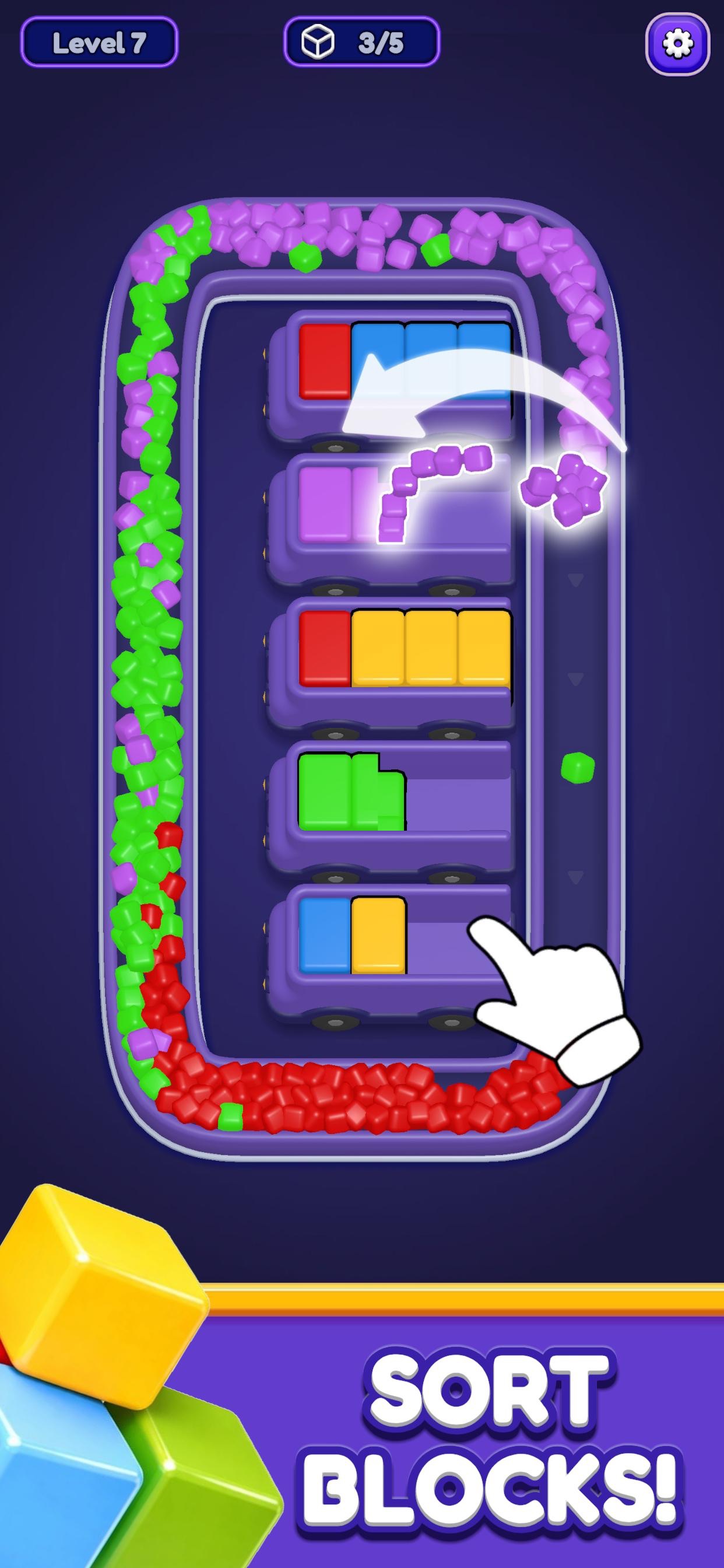
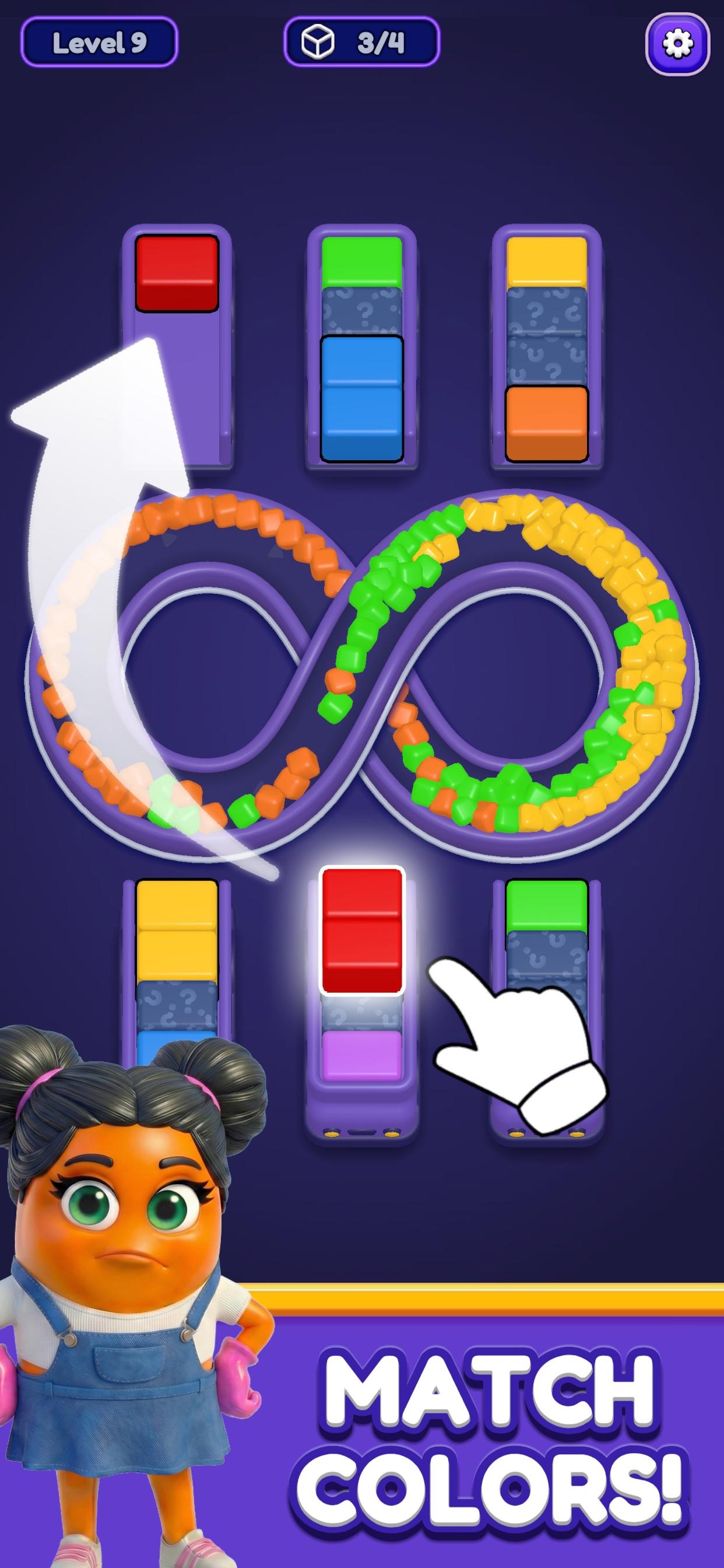
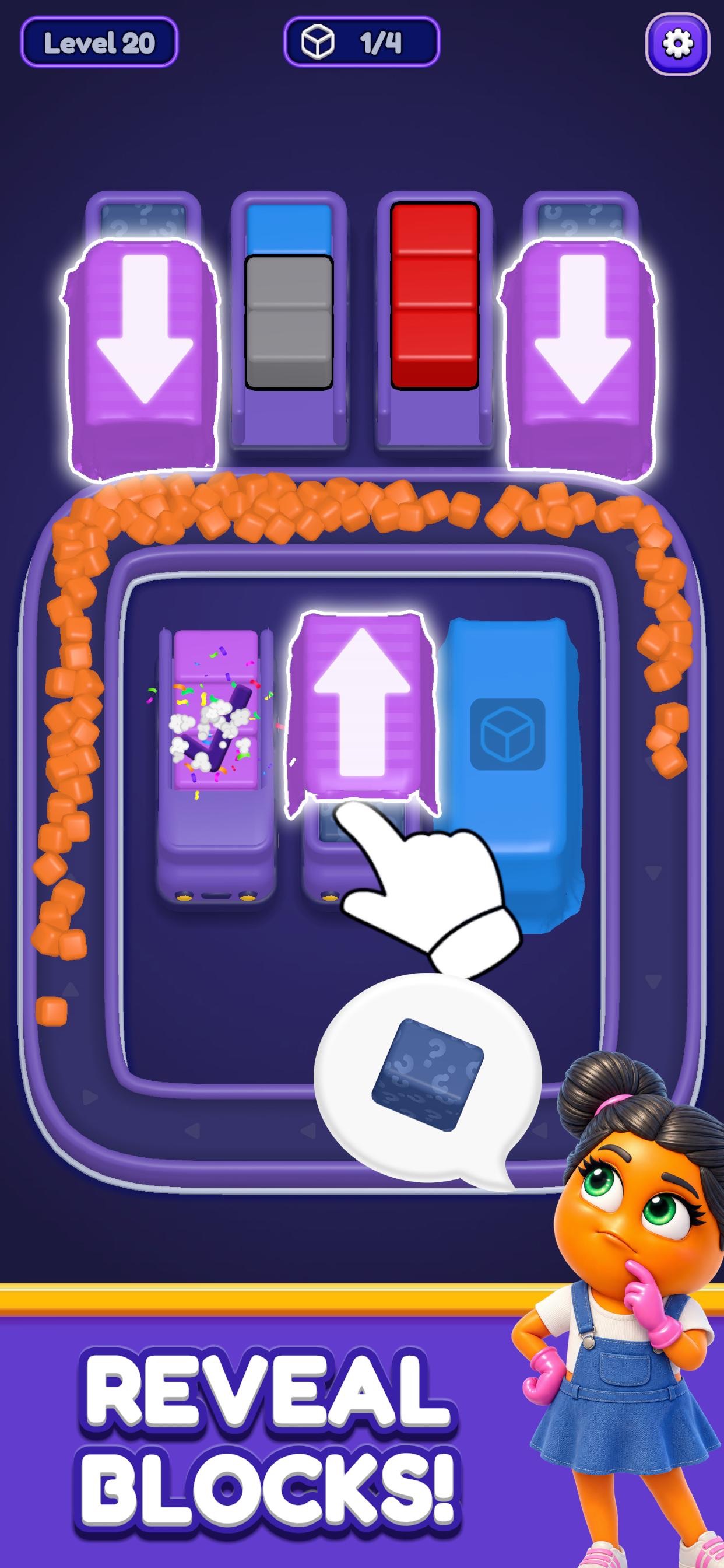
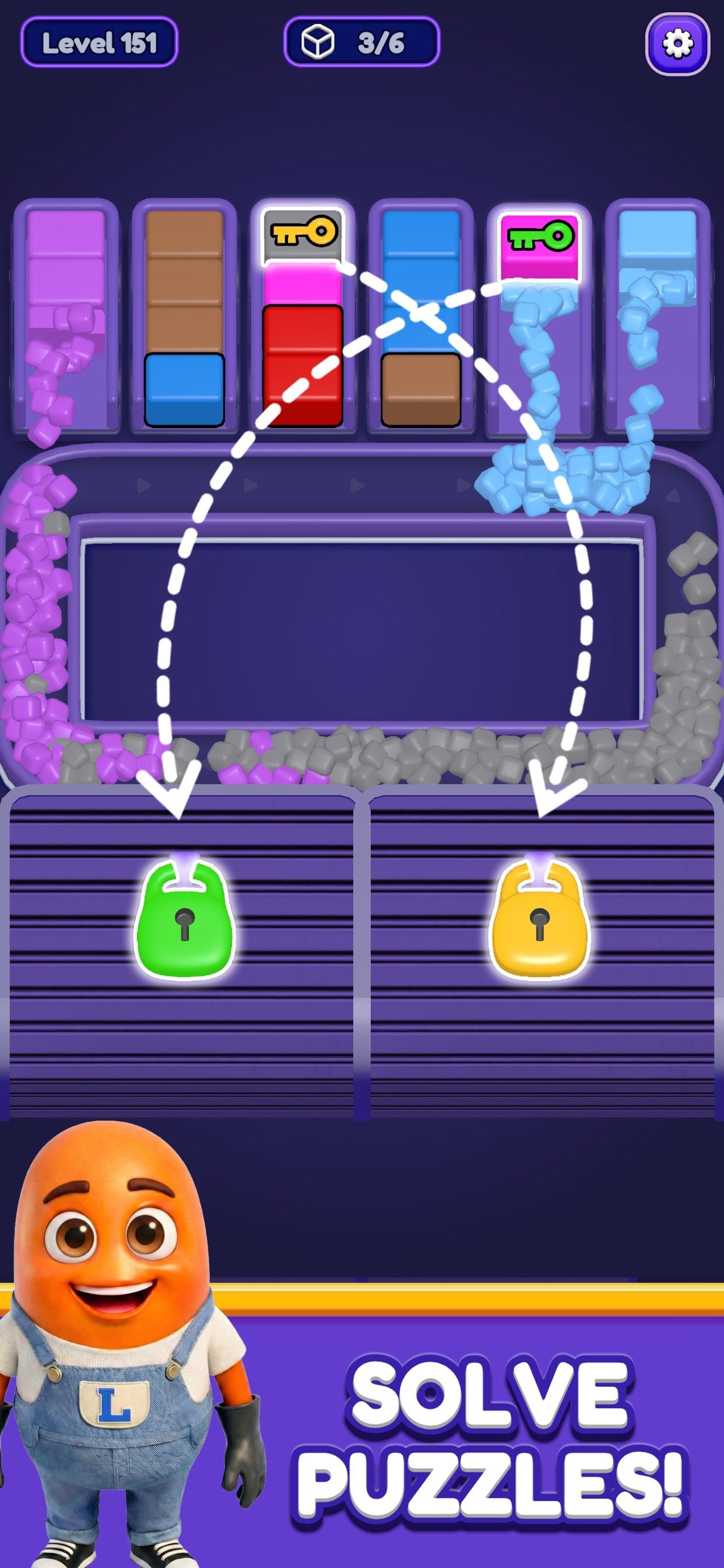
About the game
Loop Sort is Voodoo’s truck and conveyor puzzle for Android, iPhone and iPad. Match colored cubes to finish groups and clear the board.
Compare the track, truck positions and visible cargo before following a video.
Watch video walkthroughs for 2010 levels and browse nearby boards by number.
- Publisher
- Voodoo
- Platform
- Android, iPhone, iPad
- Guide coverage
- 2010 levels
- Last updated
- Game store
- Google Play
 · App Store
Loop Sort is a mobile sorting puzzle published by Voodoo. Tap a truck to send its cargo onto a looping conveyor. The game moves and sorts the cubes automatically. Your job is to choose a release order that gives those cubes somewhere to go while uncovering the next usable part of the board.
Find the right walkthrough
Open the guide by entering the number displayed above your board. Then compare the opening arrangement before copying a tap. Check the shape of the track, the position of the trucks and the visible layers of cargo. A distinctive element such as an icy truck or two matching curtains helps you identify the correct layout more quickly than counting every cube. If the boards differ, use the recording to understand the obstacle you recognize and solve the differences from the colors in your own game.
What a tap actually changes
A tap releases cargo from a truck onto the moving track. It also changes what is available for the following move. Watch the newly exposed cargo and the trucks that still have room as the cubes move. In early levels it is usually easy to see the effect of one choice. Once the route bends around several groups, it helps to follow the moving cubes past the first corner before tapping again. If a truck fills and receives a check mark, look for the next unfinished group. The remaining moves need to make progress with the space still available.
Why the conveyor gets crowded
A loop can carry pieces that have not yet reached a useful destination. A move that looks productive because it empties a truck can leave several colors circulating. Before releasing a mixed truck, identify where its visible colors could settle. If those destinations are blocked or already occupied, consider a tap that completes a partially filled group or frees a color needed by a nearby obstacle. Give the animation time to finish so that you can tell which spaces are usable for the next move.
Hidden cargo, curtains, ice and barriers
Masked cargo makes the lower layers harder to predict. Use visible colors as anchors and leave room to react when a covered layer opens. Curtains have a color requirement, so keep track of the indicated color and observe the board after it clears. Ice covers cargo and can delay when it becomes available. Follow the ice indicator or the surrounding action to see when the cover changes. Barriers are directional. They allow cubes to enter while preventing cubes inside from leaving. Check which side of a divider contains the pieces you need before treating a truck as your next source.
What makes the tougher boards different
A tight board combines several demands. You may need to finish a color to open a curtain while also carrying a second color around a longer section of the loop. Break that into two questions. Which visible move can advance the next requirement, and where can the cubes from that move finish? Pause after each meaningful change. A move is easier to compare with a walkthrough when you can point to the completed truck, newly visible cargo or obstacle that changed. The exact mix of demands varies by board.
When a run no longer matches the video
Pause on the first visible difference. If a truck in the recording is empty but yours still holds cubes, back up to the tap before that truck changed. Look for a color that started circulating earlier or a cover that opened in a different order. A later tap can be perfectly sensible on the recorded board and leave you stuck on the current one. If you choose to retry, remember the first move that caused the split. Trying a different move at that point teaches you more than changing the final few taps again.
Using the app and the guide
The game is available for Android, iPhone and iPad. The store listing identifies the developer and shows the app for your device. The walkthrough index below and on the range pages groups recorded levels in blocks of fifty. If a player stalls, use the link beside the video to open the same recording directly on YouTube. When looking up a reward or booster, first read the prompt in your installed version. Its current terms determine when the option is available. A walkthrough can still help with the board if the controls around it look different.
Frequently asked questions
Can I play Loop Sort on this page?
The game runs in the Loop Sort app. This site provides videos and board-reading advice.
What should I compare first in a video?
Look at the track shape, truck positions and exposed colors. If there is a curtain, lock or ice cover, compare its location as well.
How do I clear ice?
Work with the cargo currently available and watch the ice cover as the board advances. Use a walkthrough of the matching layout to see the move that frees that particular truck.
Why do cubes keep moving around the loop?
Some cubes are still waiting for room in a destination. Watch what is already circulating before releasing a truck with more cargo.
Can a barrier release cubes trapped behind it?
The game describes barriers as allowing entry and blocking exit. Plan around the direction of that boundary when deciding which cargo is reachable.
How do I find the x2 gold option?
Check the reward panel that your app displays after the run or event. If it offers a multiplier, read the conditions in that panel before claiming the reward.
What happens if my level has a different starting board?
Use the opening arrangement to decide whether the video applies. The gameplay and tips guides can help you read a layout that has changed.